Ways To Listen
Discover all the various ways to listen to CCRock Radio and Classic Christian Rock Radio. Phone apps, web player, Amazon Echo, Roku, third party web sites and apps, we've got something that will fit your particular situation.
CCRock Radio App
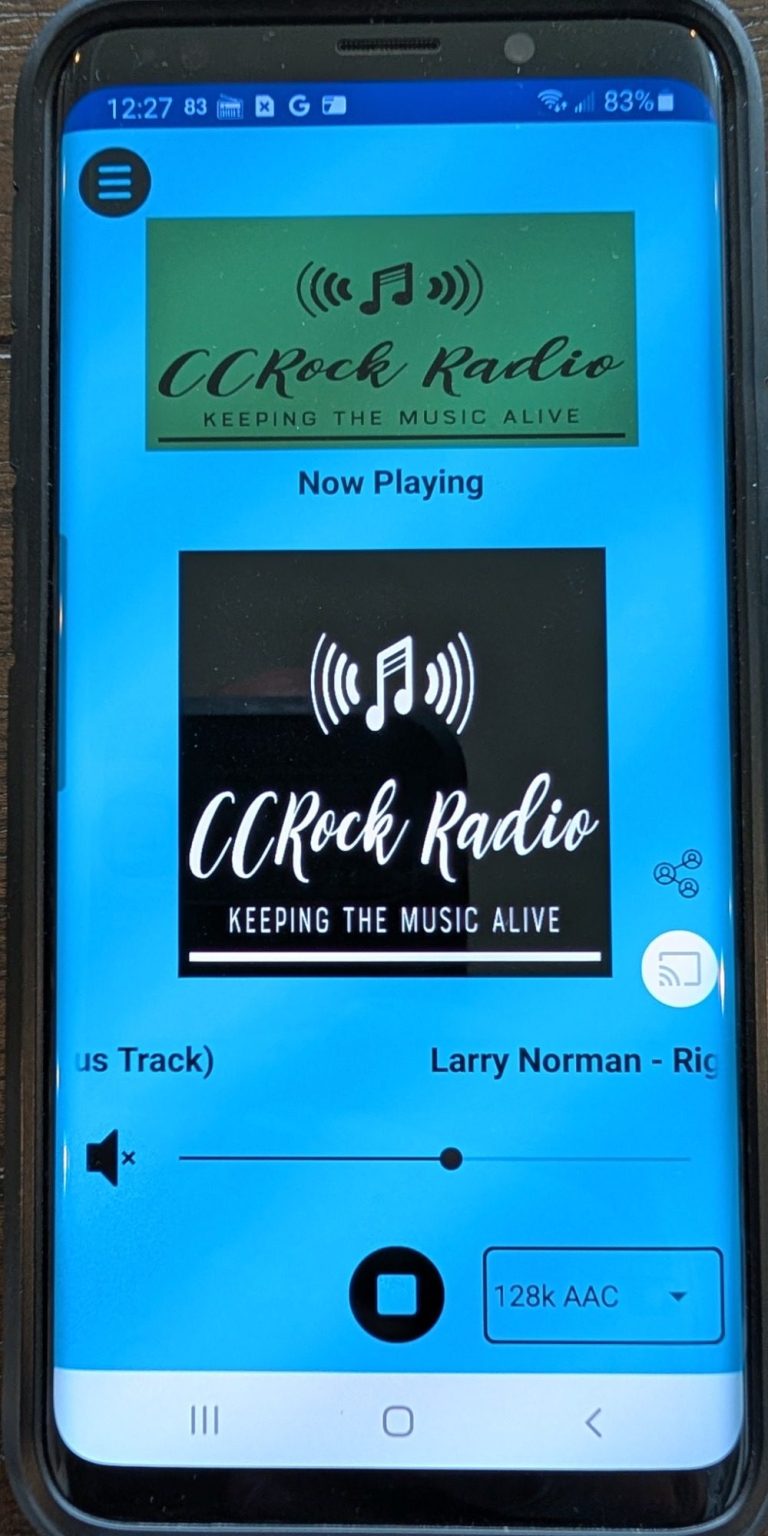
Our custom app not only allows you to listen to either CCRock Radio or Classic Christian Rock Radio, but you can also message the DJ directly, check out our Facebook page and X feed, and access our web site. Apple iPhone and Android versions available.
Our mobile apps are Apple Carplay and Android Auto compatible.
You can also get a version of our app for Amazon Fire tablets on the Amazon app store.



Web Player
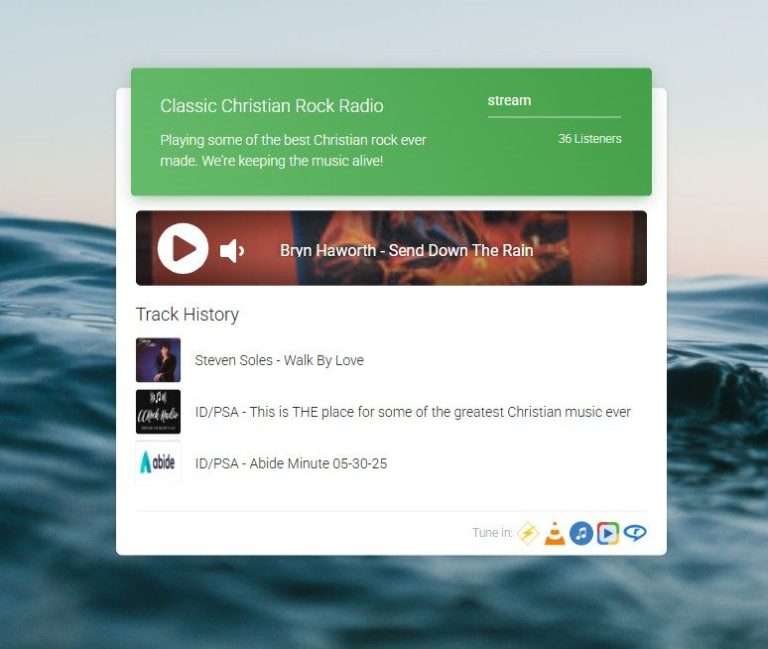
The CCRock Radio and Classic Christian Rock Radio Web Players work in most available browsers and is cross platform compatible so it will work on most computers and mobile devices.
Amazon Alexa Devices
You can listen to either CCRock Radio or Classic Christian Rock Radio on Amazon Echo devices by using the following command -
"Alexa, ask GetMeRadio to play CCRock Radio"
"Alexa, ask GetMeRadio to play Classic Christian Rock Radio"
You may have to enable the skill before using the command. You can access our skill by clicking the "GetMeRadio Alexa Skill" button.
If you have problems with the commands above you can try the following -
"Alexa, open GetMeRadio" or "Alexa, open GetMeRadio skill"


TuneIn Radio
With TuneIn Radio you can listen to either CCRock Radio or Classic Christian Rock Radio on your computer (app or browser) and your phone (it's CarPlay and Android Auto compatible).

GetMeRadio
GetMeRadio lets you listen to CCRock Radio or Classic Christian Rock Radio on just about any device and any platform.

Roku
Both CCRock Radio and Classic Christian Rock Radio are available on Roku devices through GetMeRadio.

Third Party Sites
CCRock Radio and Classic Christian Rock Radio may be available on a number of third party web sites. Some of these have their own mobile apps. While we do not officially endorse any of these, you are free to check them out.